GitHub - sst/opencode: AI coding agent, built for the terminal.
AI coding agent, built for the terminal. Contribute to sst/opencode development by creating an account on GitHub.
github.com
OpenCode(sst)とは
gemini-cliやClaude Codeみたいなやつで、いろんなモデルが使えるやつ。
導入方法
$ vi ~/.config/opencode/opencode.json{
"$schema": "https://opencode.ai/config.json",
"provider": {
"sakura-ai": {
"npm": "@ai-sdk/openai-compatible",
"options": {
"baseURL": "https://api.ai.sakura.ad.jp/v1",
"apiKey": "ここにAPIキーを入力"
},
"models": {
"gpt-oss-120b": {},
"llm-jp-3.1-8x13b-instruct4": {},
"Qwen3-Coder-30B-A3B-Instruct": {},
"Qwen3-Coder-480B-A35B-Instruct-FP8": {}
}
}
}
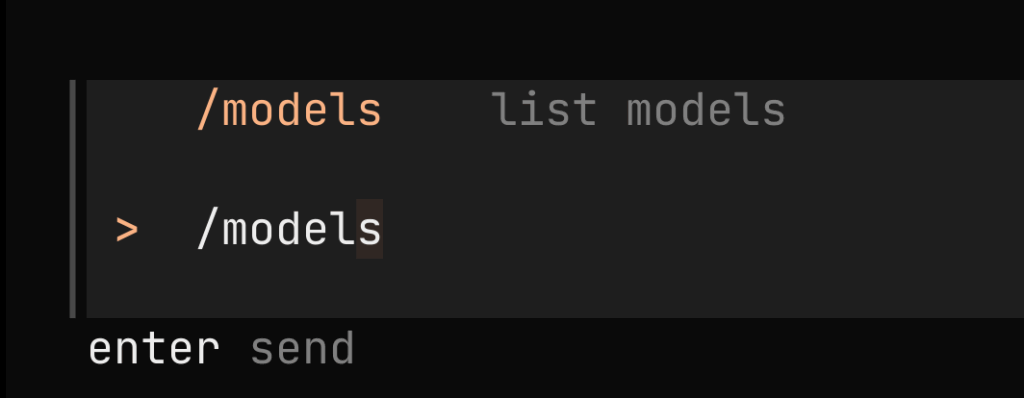
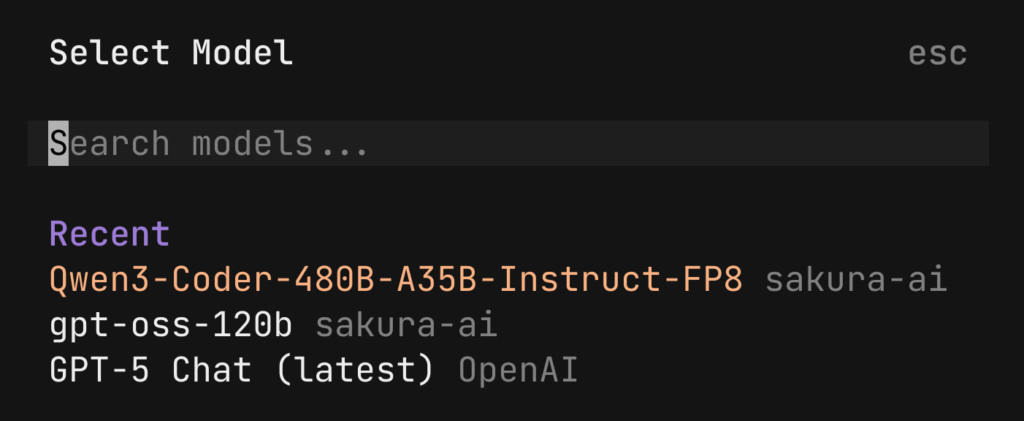
}あとはOpenCodeを起動して、/models → 使いたいモデルを選択でok.


コメント